Back to all articles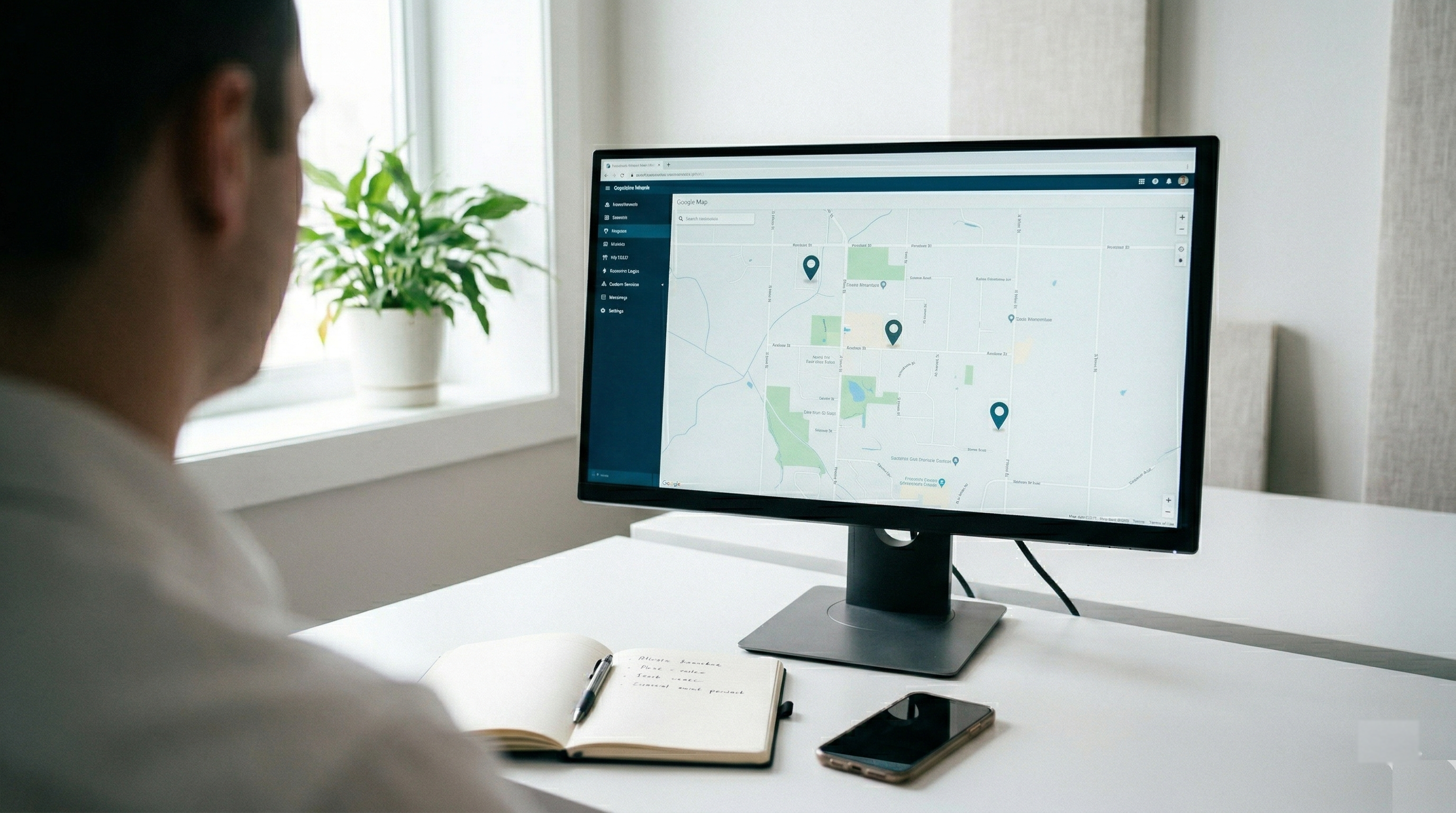
Tutorial1 min read
Setting Up Steadbase for Your First 3 Locations
A step-by-step guide to getting your locations, users and first tickets set up in Steadbase — in under 10 minutes.
TH
Thomas Hartmann
Customer Success · February 28, 2026
Step 1: Create Your Locations
Log in to your Steadbase dashboard and add your first locations. Include the address, contact person, and any relevant notes.
Step 2: Invite Your Team
Add your location managers and technicians. Assign roles so everyone sees what they need — and nothing they don't.
Step 3: Create Your First Ticket
Something broken? Click "New Ticket", select the location, describe the issue, and assign it. The responsible person gets notified instantly.
Step 4: Set Up Maintenance Schedules
Add recurring tasks like fire extinguisher checks or HVAC servicing. Steadbase will remind you before deadlines.
That's It
You're up and running. Most teams are fully operational within a day.